

 Português
 Español
 Français




 0
0

 World Cup 2026
 Mobile
add remove
Mobile
add remove  Small Appliances
add remove
Small Appliances
add remove  Large Appliances
add remove
Large Appliances
add remove  Image and Sound
add remove
Image and Sound
add remove  Computing
add remove
Computing
add remove  Gaming
add remove
Gaming
add remove  Health and Beauty
add remove
Health and Beauty
add remove  Networks and Energy
add remove
Networks and Energy
add remove  Consoles, Games and Toys
add remove
Consoles, Games and Toys
add remove  DIY and Garden
add remove
DIY and Garden
add remove  Adapters and Cables
add remove
Adapters and Cables
add remove  SmartHome and Domotics
add remove
SmartHome and Domotics
add remove  House and Decoration
add remove
House and Decoration
add remove  Sports and Mobility
add remove
Sports and Mobility
add remove  Outlet
 Merchandising
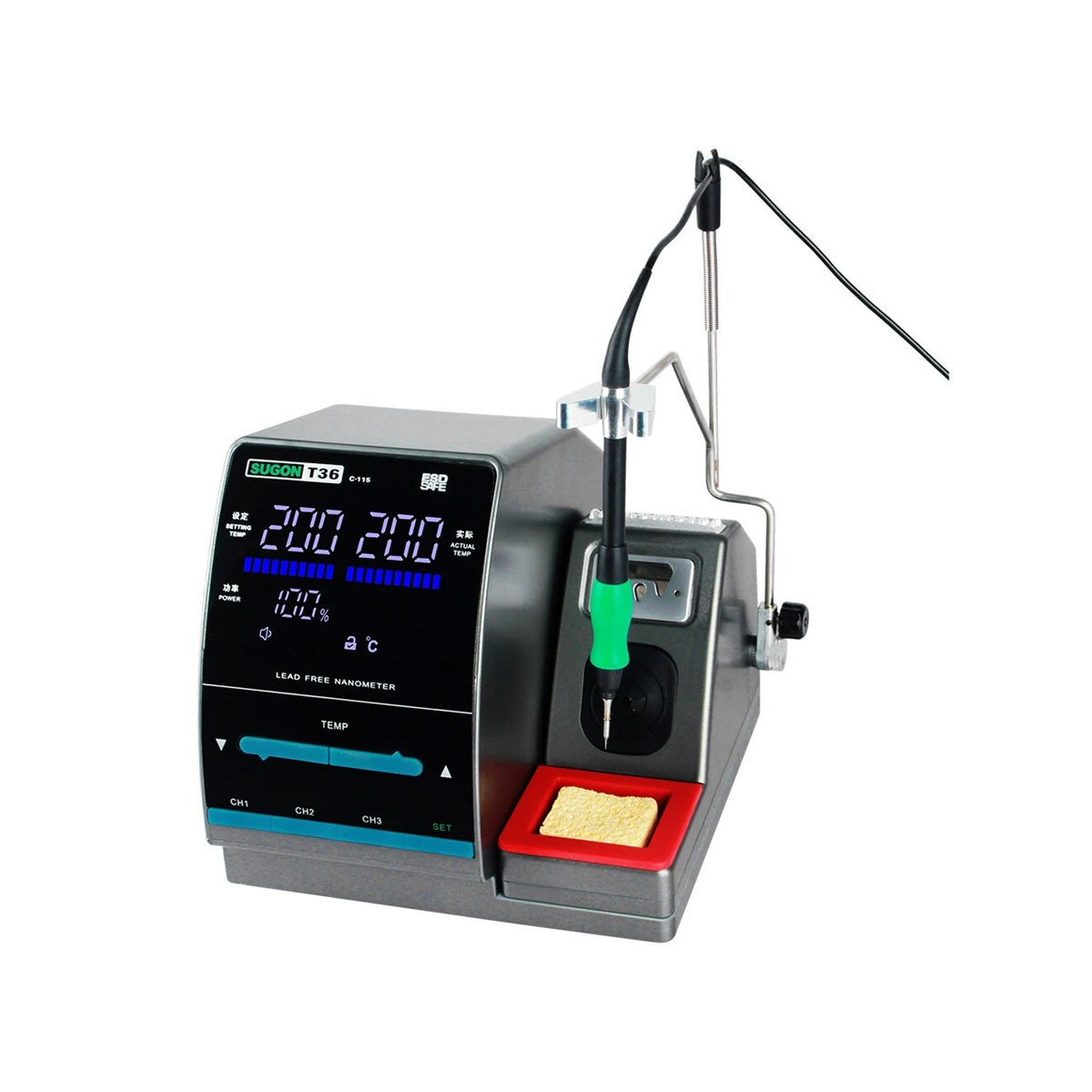
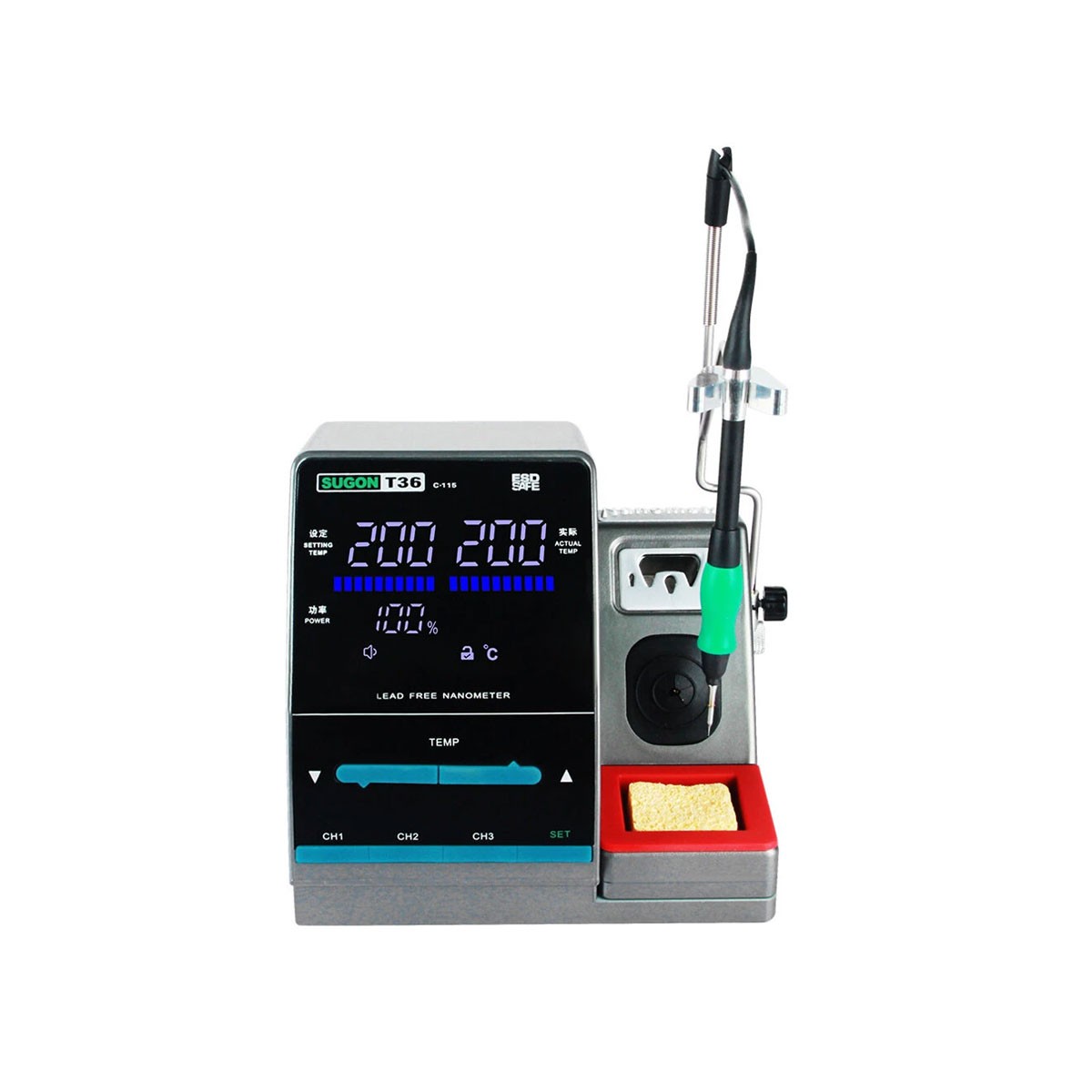
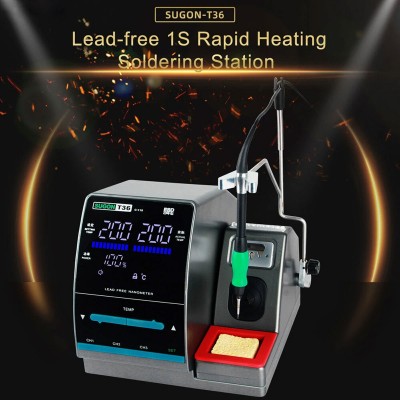
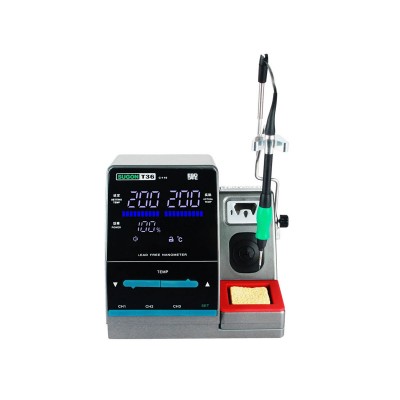
Press the ↑ button once, the temperature window will show the set temperature up to 1 ℃. hold the ↑ button for at least one second, the set temperature will heat up quickly to the set temperature you set.
Press the ↓ button once, the temperature window will show the temperature set to 1 ℃. hold the ↓ button for at least one second, the set temperature will cool quickly to the set temperature you set.
After setting the parameter data, press and hold the CH1 button to increase or decrease the temperature and save. Likewise, press and hold the CH2 or CH3 button to set the Storage temperature and save it. Increase the memory temperature, press the CH1 button (less than 1 second) and display the saved data, in the same way CH2 or CH3 to display the memory data as well.
Product Details
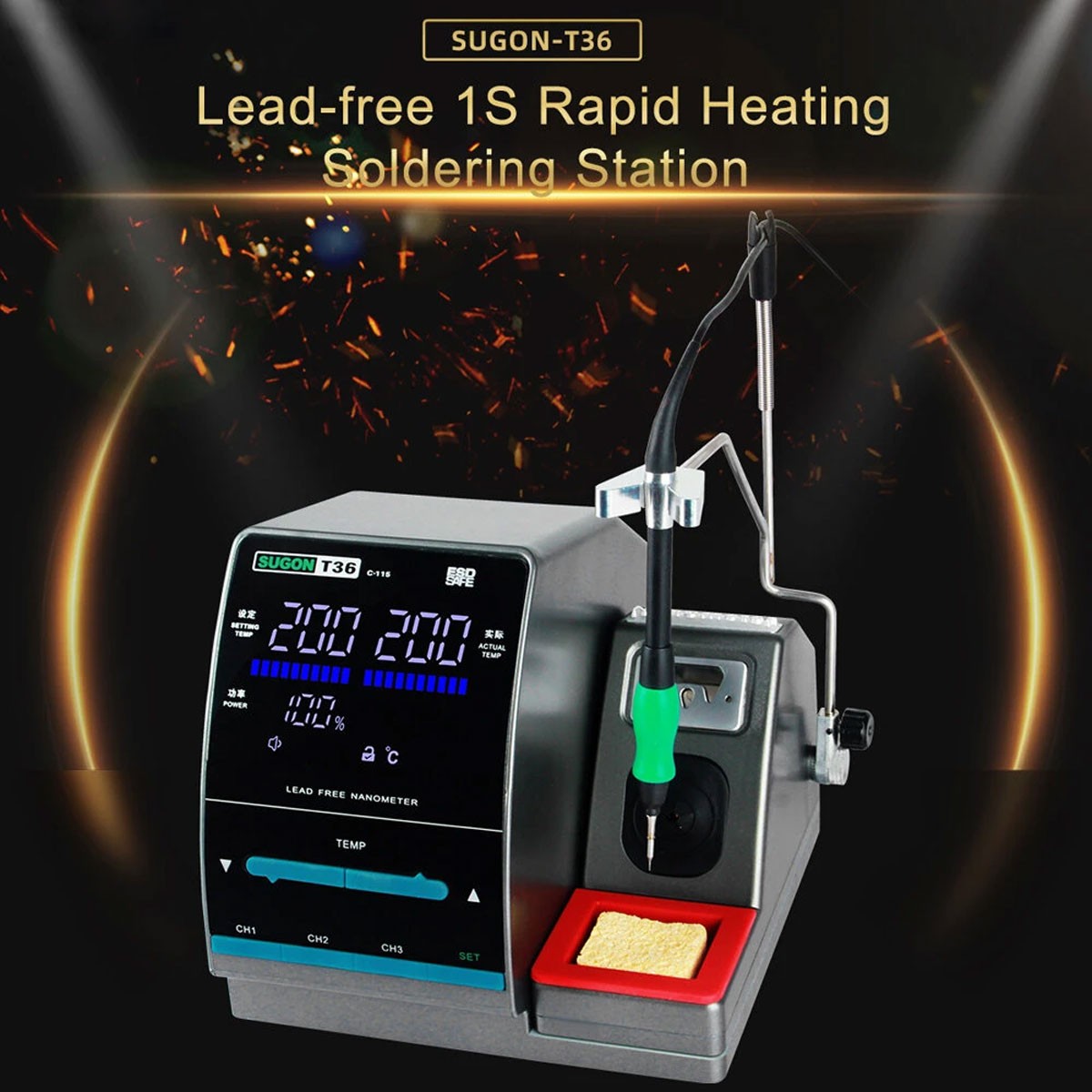
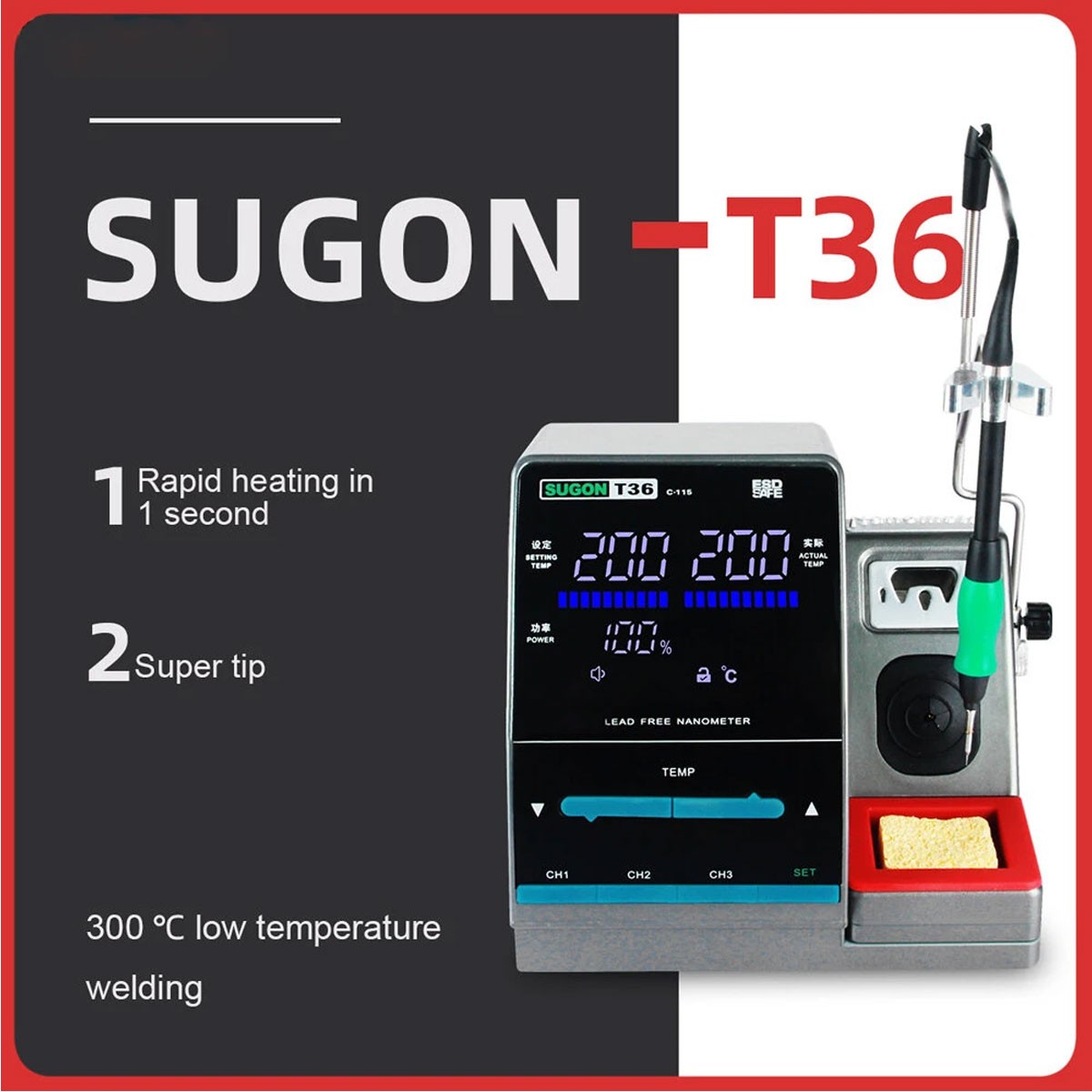
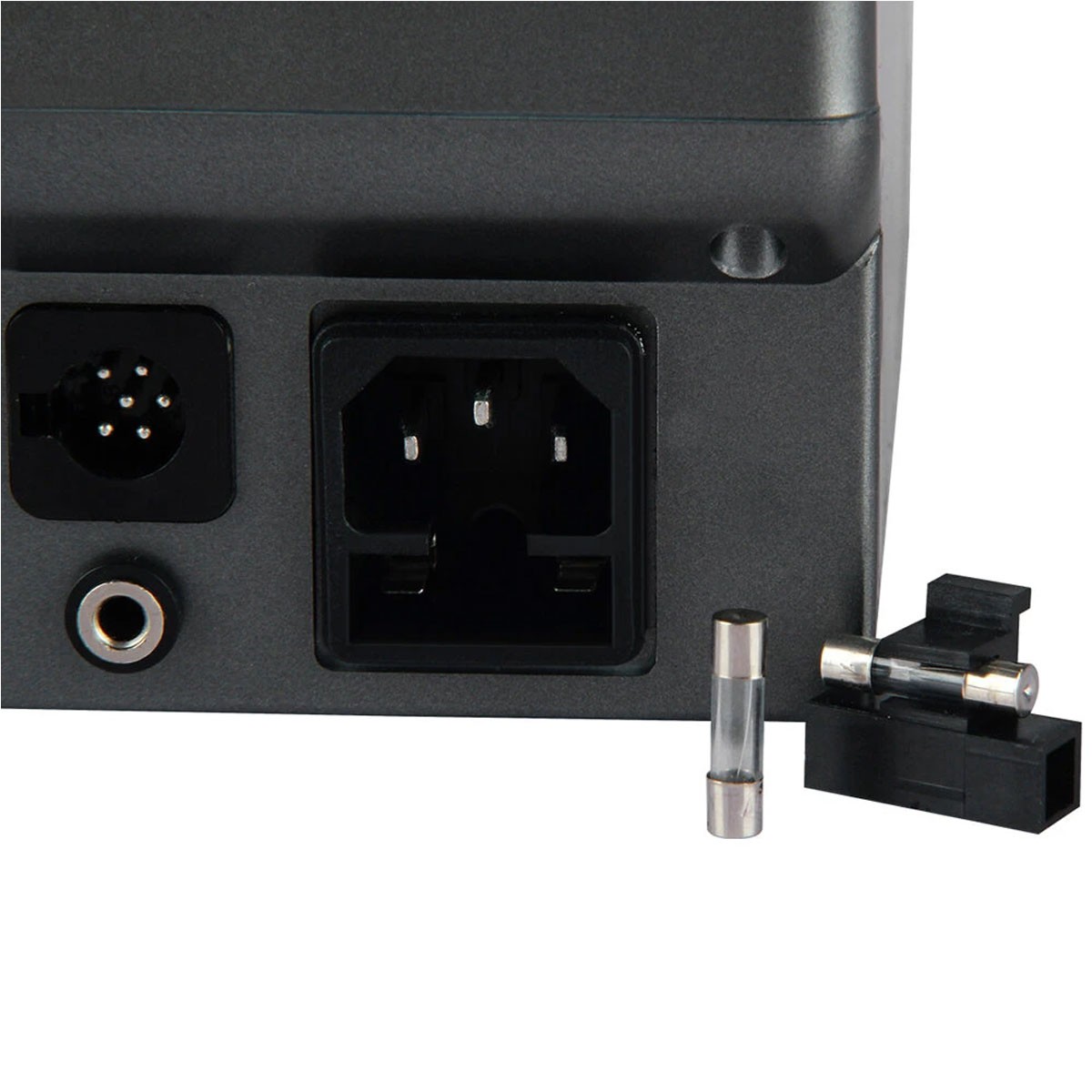
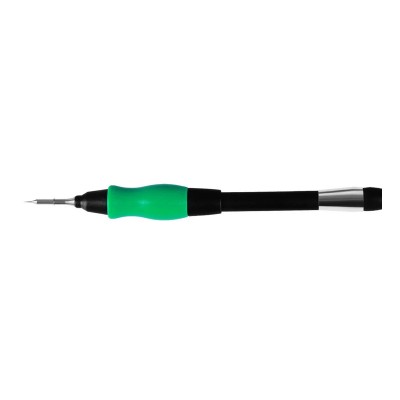
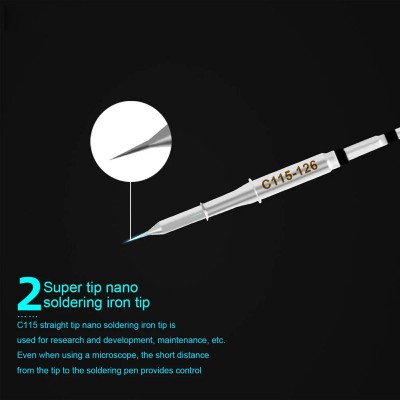
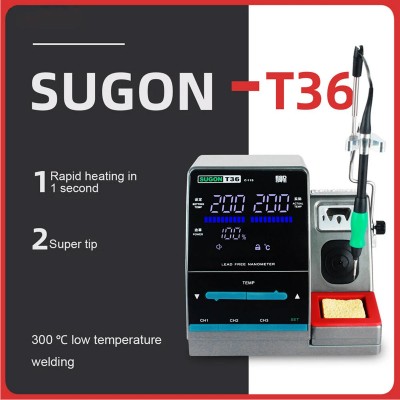
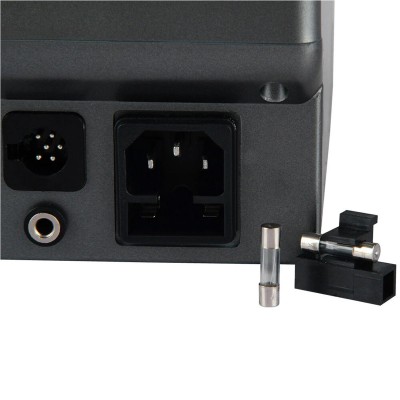
Soldering Machine Sugon T36 Grey
Weight & Dimensions
Press the ↑ button once, the temperature window will show the set temperature up to 1 ℃. hold the ↑ button for at least one second, the set temperature will heat up quickly to the set temperature you set.
Press the ↓ button once, the temperature window will show the temperature set to 1 ℃. hold the ↓ button for at least one second, the set temperature will cool quickly to the set temperature you set.
After setting the parameter data, press and hold the CH1 button to increase or decrease the temperature and save. Likewise, press and hold the CH2 or CH3 button to set the Storage temperature and save it. Increase the memory temperature, press the CH1 button (less than 1 second) and display the saved data, in the same way CH2 or CH3 to display the memory data as well.
Product Details
Soldering Machine Sugon T36 Grey
Weight & Dimensions