

 Português
 Español
 Français


 0
0

 Easter
 Mobile
add remove
Mobile
add remove  Small Appliances
add remove
Small Appliances
add remove  Large Appliances
add remove
Large Appliances
add remove  Image and Sound
add remove
Image and Sound
add remove  Computing
add remove
Computing
add remove  Gaming
add remove
Gaming
add remove  Health and Beauty
add remove
Health and Beauty
add remove  Networks and Energy
add remove
Networks and Energy
add remove  Consoles, Games and Toys
add remove
Consoles, Games and Toys
add remove  DIY and Garden
add remove
DIY and Garden
add remove  Adapters and Cables
add remove
Adapters and Cables
add remove  SmartHome and Domotics
add remove
SmartHome and Domotics
add remove  House and Decoration
add remove
House and Decoration
add remove  Sports and Mobility
add remove
Sports and Mobility
add remove  Outlet
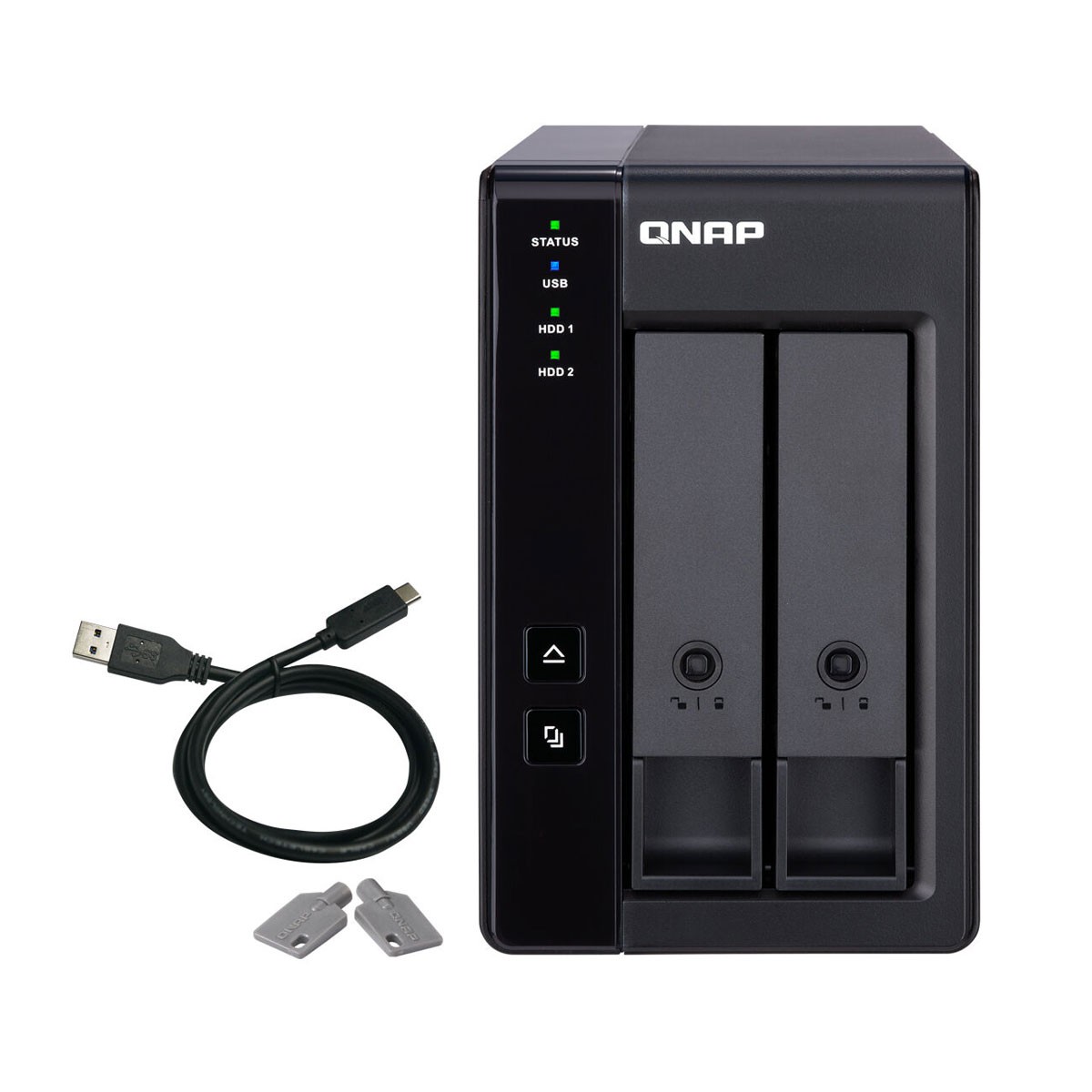
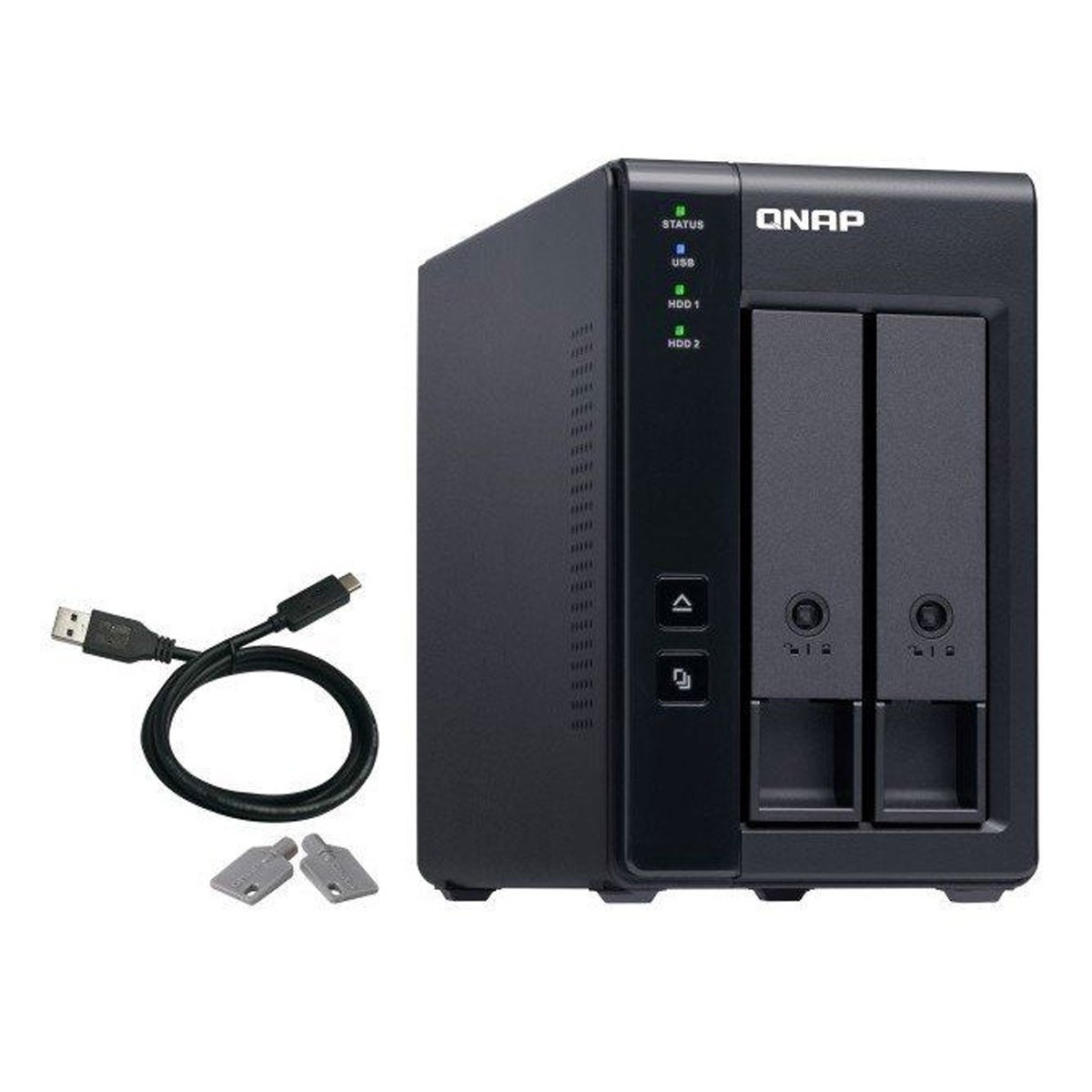
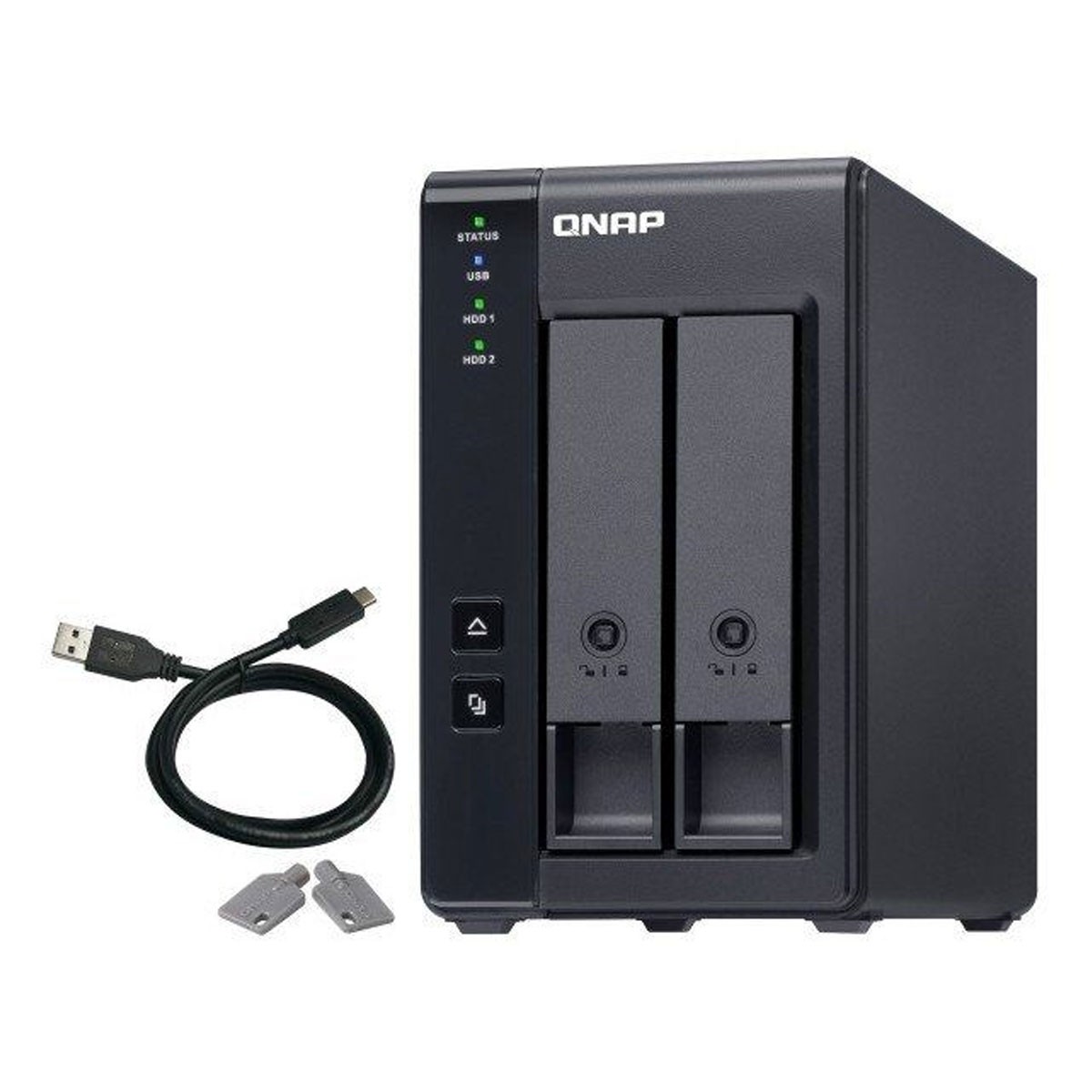
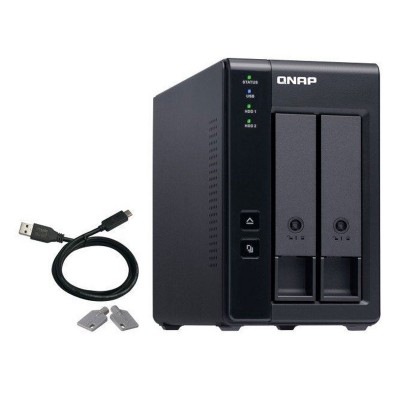
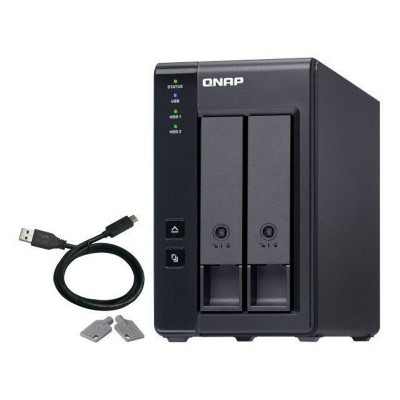
The TR-002 is an ideal storage expansion solution for PCs, especially for notebooks that don't have the ability to install higher capacity drives. Featuring two 3.5" SATA drive bays and supporting RAID configuration, the TR-002 provides the ability to store large numbers of files and data while ensuring protection against potential drive failures.
TR-002 supports various RAID configurations. Depending on your requirements, you can switch between hardware and software controlled RAID modes. Move the DIP switches to the corresponding positions for your optimal RAID mode: single, JBOD, RAID 0 or RAID 1. You can also configure the RAID settings of your QNAP NAS or using the QNAP External RAID Manager utility on your computer.
Compared to other RAID devices, the TR-002 offers software-controlled configurations for greater management flexibility. Users can configure RAID and monitor disk integrity using Storage & Snapshots Manager on a QNAP NAS or using the QNAP External RAID Manager utility on their computers.
Storage & Snapshots Manager: to configure TR-002 as a storage expansion unit for your QNAP NAS. In addition to RAID configuration, NAS storage expansion mode supports various NAS functions, including storage pools and snapshots. When choosing external storage mode, you can use TR-002 as DAS.
QNAP External RAID Manager: is a utility for Windows and Mac users to configure, monitor and view the status of the TR-002. Users can easily configure RAID groups on the TR-002 and quickly get RAID performance and health status at a glance.
The TR-002 meets many storage expansion requirements for home and work use, including:
Scenario 1: Expand Your NAS Capacity - The TR-002 allows users to expand their NAS storage capacity. By connecting the TR-002 to the NAS and using Storage & Snapshots Manager, users can easily configure and manage storage expansion. The TR-002 supports a variety of QNAP NAS storage and file management functions, allowing users to build storage pools, find files with Qsirch and organize files with Qfiling.
Scenario 2: External storage for your NAS - Instead of using the TR-002 to expand the capacity of your QNAP NAS, you can use it as an add-on storage unit for backup or data movement. It also allows you to physically migrate large data collections that would require significant network bandwidth. While connected to the NAS, you can monitor the TR-002's health and status using Storage & Snapshots Manager on the NAS.
Scenario 3: Expand your computer's storage space - The TR-002 can quickly add storage space to your computer. You can use the DIP switch to configure a hardware RAID mode or manage it using the QNAP External RAID Manager utility. The health and status of the TR-002 can also be monitored using the QNAP External RAID Manager utility.
Scenario 4: Cross-platform file sharing - From NAS to Windows, Mac and Linux computers, the TR-002 is compatible with a wide variety of devices. This makes it ideal for quickly moving large files between different devices. The TR-002 is even compatible with devices that use the exFAT* file system, adding more convenience to accessing and sharing files from a wide range of devices.
Product Details
QNAP NAS TR-002 2 Bays

Connectivity
Energy
Weight & Dimensions
The TR-002 is an ideal storage expansion solution for PCs, especially for notebooks that don't have the ability to install higher capacity drives. Featuring two 3.5" SATA drive bays and supporting RAID configuration, the TR-002 provides the ability to store large numbers of files and data while ensuring protection against potential drive failures.
TR-002 supports various RAID configurations. Depending on your requirements, you can switch between hardware and software controlled RAID modes. Move the DIP switches to the corresponding positions for your optimal RAID mode: single, JBOD, RAID 0 or RAID 1. You can also configure the RAID settings of your QNAP NAS or using the QNAP External RAID Manager utility on your computer.
Compared to other RAID devices, the TR-002 offers software-controlled configurations for greater management flexibility. Users can configure RAID and monitor disk integrity using Storage & Snapshots Manager on a QNAP NAS or using the QNAP External RAID Manager utility on their computers.
Storage & Snapshots Manager: to configure TR-002 as a storage expansion unit for your QNAP NAS. In addition to RAID configuration, NAS storage expansion mode supports various NAS functions, including storage pools and snapshots. When choosing external storage mode, you can use TR-002 as DAS.
QNAP External RAID Manager: is a utility for Windows and Mac users to configure, monitor and view the status of the TR-002. Users can easily configure RAID groups on the TR-002 and quickly get RAID performance and health status at a glance.
The TR-002 meets many storage expansion requirements for home and work use, including:
Scenario 1: Expand Your NAS Capacity - The TR-002 allows users to expand their NAS storage capacity. By connecting the TR-002 to the NAS and using Storage & Snapshots Manager, users can easily configure and manage storage expansion. The TR-002 supports a variety of QNAP NAS storage and file management functions, allowing users to build storage pools, find files with Qsirch and organize files with Qfiling.
Scenario 2: External storage for your NAS - Instead of using the TR-002 to expand the capacity of your QNAP NAS, you can use it as an add-on storage unit for backup or data movement. It also allows you to physically migrate large data collections that would require significant network bandwidth. While connected to the NAS, you can monitor the TR-002's health and status using Storage & Snapshots Manager on the NAS.
Scenario 3: Expand your computer's storage space - The TR-002 can quickly add storage space to your computer. You can use the DIP switch to configure a hardware RAID mode or manage it using the QNAP External RAID Manager utility. The health and status of the TR-002 can also be monitored using the QNAP External RAID Manager utility.
Scenario 4: Cross-platform file sharing - From NAS to Windows, Mac and Linux computers, the TR-002 is compatible with a wide variety of devices. This makes it ideal for quickly moving large files between different devices. The TR-002 is even compatible with devices that use the exFAT* file system, adding more convenience to accessing and sharing files from a wide range of devices.
Product Details
QNAP NAS TR-002 2 Bays
Connectivity
Energy
Weight & Dimensions